What You Need Before Downloading
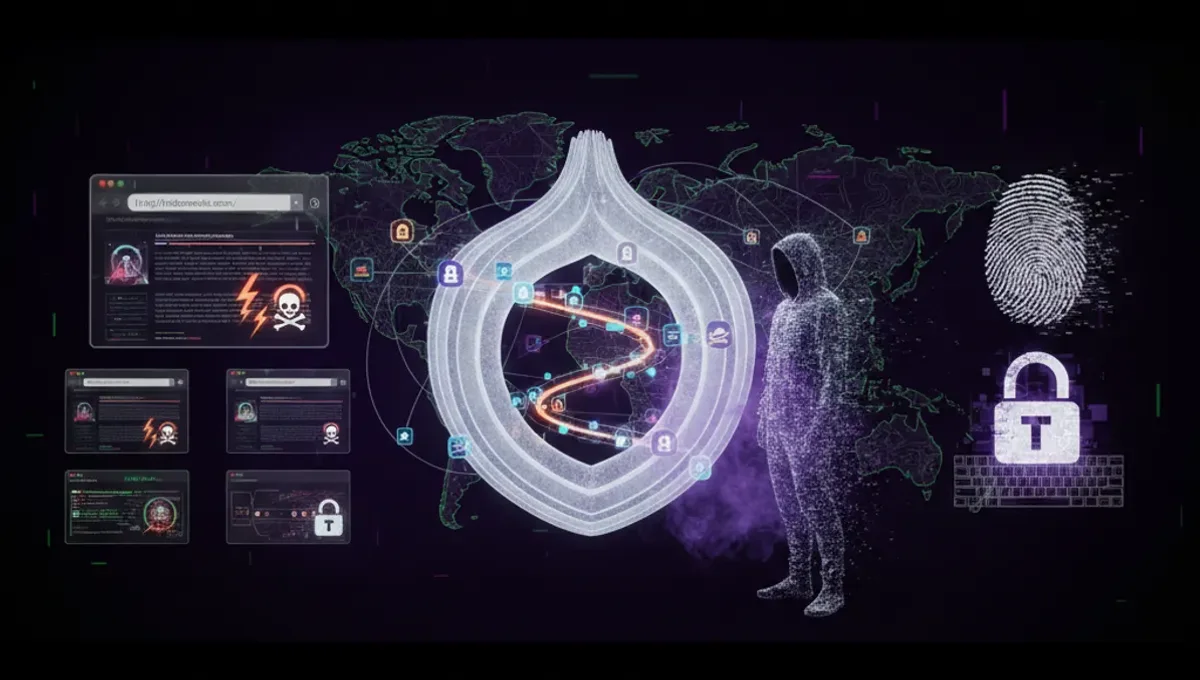
Before attempting any dark web download, you'll need Tor Browser installed on your system. This anonymization tool routes your connection through multiple servers, masking your IP address and location. Download Tor Browser only from the official Tor Project website to avoid compromised versions. You'll also want antivirus software running in the background and ideally a dedicated virtual machine for dark web activities. Some users prefer using a separate operating system like Tails, which leaves no trace on your computer. These precautions aren't optional—they're the foundation of safe dark web access.
Finding Legitimate Download Sources
Dark web directories and search engines help locate files, but verification is critical. Established dark web address repositories often maintain lists of active, legitimate sources. Look for sites with community feedback, user ratings, and clear descriptions of what you're downloading. Avoid sites with excessive pop-ups, aggressive advertising, or vague file descriptions. Many legitimate downloads on the dark web relate to privacy software, security tools, and uncensored information. Check file hashes when available—these cryptographic signatures confirm a file hasn't been modified or infected. Never download executable files unless you're absolutely certain of their origin.
Recognizing Malware and Fake Downloads
Malware distribution is rampant on the dark web. Scammers disguise malicious files as legitimate software, documents, or tools. Red flags include files that seem unusually small for their claimed function, downloads from unfamiliar sources, and files lacking proper documentation. Ransomware, keyloggers, and cryptominers are commonly distributed through dark web downloads. Use sandboxing tools to test suspicious files before opening them on your main system. Never enable macros in downloaded documents unless you're certain they're legitimate. If a download seems too good to be true—like cracked software or leaked databases—it probably contains hidden threats.
Using Dark Web Engines for File Discovery
Dark web search engines index onion sites and help locate specific files or resources. These engines work similarly to surface web search tools but focus on .onion addresses and dark web content. Search results often include user reviews and community warnings about dangerous sites. Some dark web engine results link to directories that categorize downloads by type and safety rating. However, search results aren't curated the way mainstream search engines are, so critical thinking is essential. Cross-reference information across multiple sources before downloading anything. Community forums and discussion boards often provide warnings about compromised sites or dangerous files.
Safe Download Practices and Protocols
Use a VPN before connecting to Tor for an additional privacy layer, though this is debated among security experts. Download files to an isolated folder and scan them immediately with updated antivirus software. Disable JavaScript in Tor Browser to reduce attack vectors. Never maximize your browser window—this prevents website scripts from detecting your screen resolution and identifying you. Disconnect from the internet after downloading but before opening files if you want maximum caution. Keep your operating system and all software updated with security patches. Consider using a dedicated user account on your computer for dark web activities, separate from your regular browsing account.
Legal and Ethical Considerations
Many dark web downloads are legal—privacy tools, security software, and uncensored information are commonly shared. However, some content is illegal in most jurisdictions, including stolen data, malware, and copyrighted material. Downloading illegal content exposes you to law enforcement investigation regardless of anonymization tools. Your ISP may flag suspicious activity, and Tor exit nodes can be monitored. Understand the laws in your country before downloading anything. Even accessing certain dark web addresses may violate local regulations. Consider whether your download activity aligns with your values and local legal standards.
Frequently asked questions
Is it illegal to download files from the dark web?
Not inherently. Downloading privacy tools, security software, or uncensored information is legal in most countries. However, downloading stolen data, malware, or copyrighted material is illegal. The legality depends on what you're downloading and your jurisdiction's laws. Always verify the content's legal status before downloading.
Can I get malware from a dark web download?
Yes, malware distribution is extremely common on the dark web. Scammers disguise malicious files as legitimate software or documents. Use antivirus software, scan files before opening them, and verify file hashes when available. Never download executable files from untrusted sources.
What's the safest way to download from the dark web?
Use Tor Browser from the official source, run updated antivirus software, consider using a virtual machine, verify file hashes, and scan downloads before opening them. Disable JavaScript in Tor Browser and avoid maximizing your window. Never download from unfamiliar or suspicious-looking sites.
Do I need a VPN with Tor for dark web downloads?
This is debated among security experts. A VPN adds a privacy layer but may slow your connection and introduce trust issues with the VPN provider. Tor alone provides substantial anonymity for most users. If you use a VPN, connect before opening Tor Browser.
How do I verify a dark web download is legitimate?
Check community feedback and user ratings on dark web directories. Look for file hashes that confirm the file hasn't been modified. Verify the download source through multiple dark web addresses and search engines. Avoid files with vague descriptions or from unfamiliar sources.